


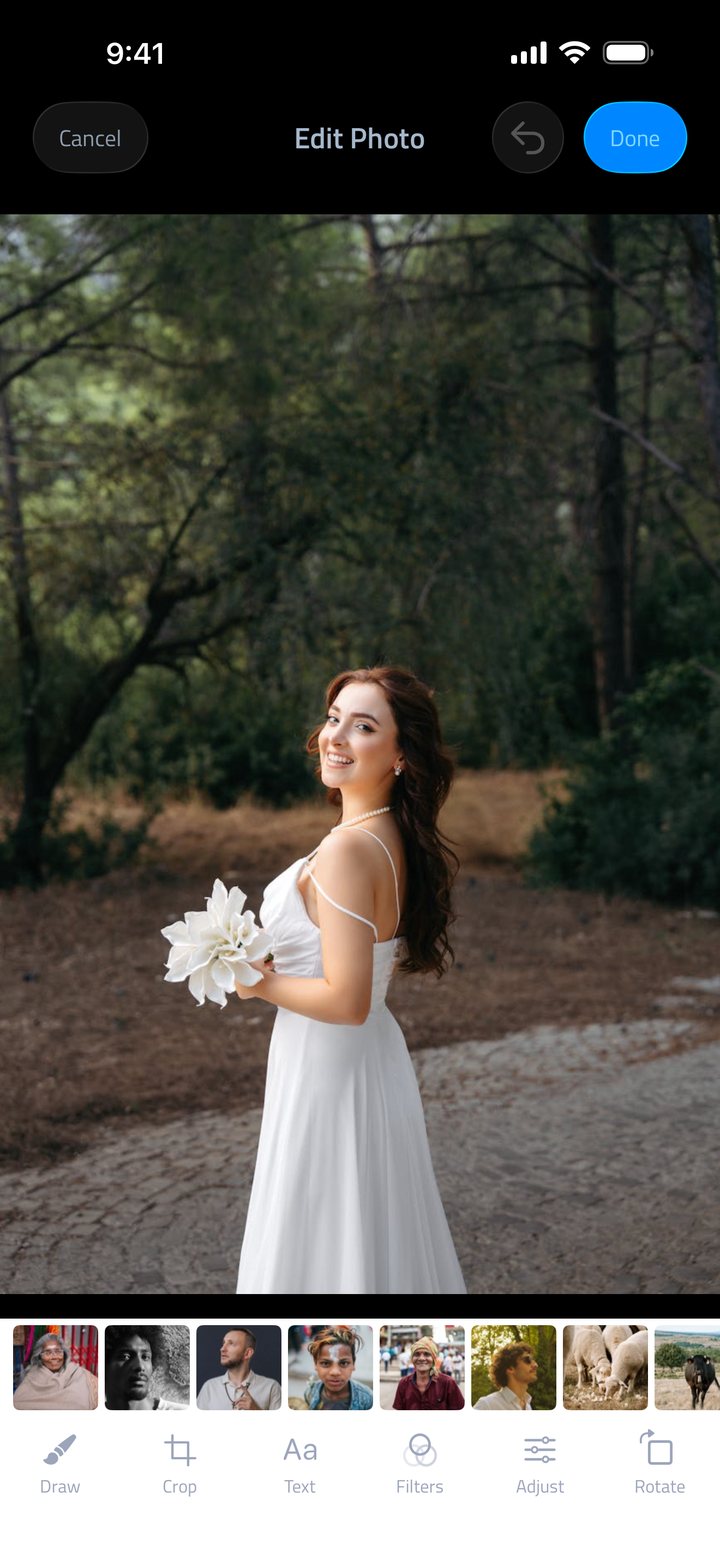
Photo editor built in
Crop, rotate and adjust brightness, contrast and saturation, with 13 filters, all free, no subscription needed.
iPhone · iPhone Duo · iPad · iOS 15.0+
Fliptastic is the slideshow maker that does the hard part for you. Point it at your camera roll and it picks your best shots, sets them to music and exports a video sized for Reels, TikTok or YouTube, in about a minute.
Free to download · No account needed
Try it here
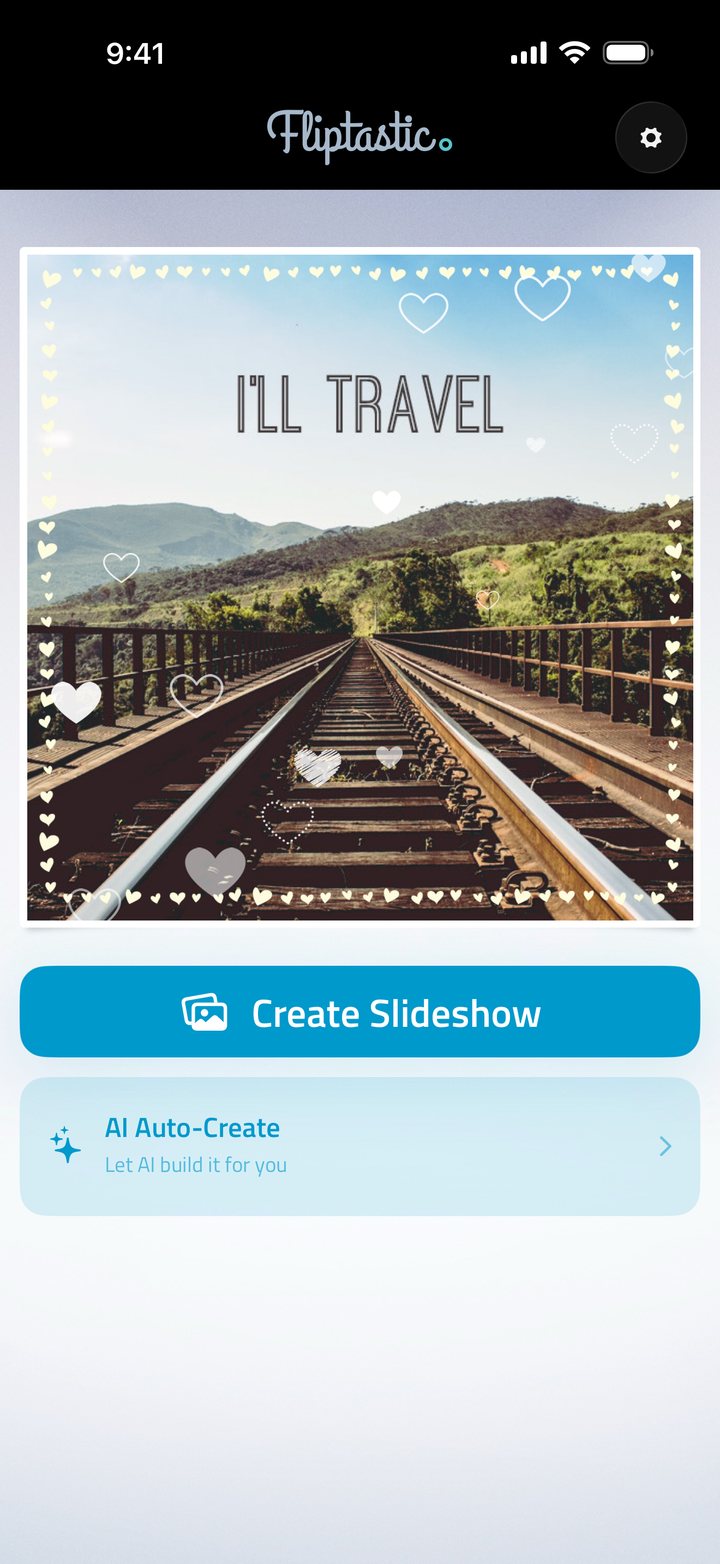
These are the real thing: the same sprites and the same motion the app uses, not a recreation. Pick one and watch it play over a photo, exactly as it does on your phone.

In the app these are rendered into the video you export, not just shown in the preview. Effects are included with Premium; the festive set is free for everyone.
575+
App Store ratings, averaging 4.6 out of 5
2013
On the App Store, and still updated
40
Transitions and effects (16 + 24)
0
Photos uploaded. AI Auto-Create runs on your device
How it works
No timeline, no keyframes, no learning curve. Fliptastic is built for people who want a good-looking video without becoming a video editor.
Choose from your camera roll, the built-in Pexels stock library, or let AI Auto-Create select your best shots for you.
Choose transitions, even a different one between any two photos, add an overlay effect, drop in a theme song or your own music, add text slides, and fine-tune every photo in the editor.
Choose the format your platform wants, then export straight to Reels, TikTok, YouTube or your camera roll, up to twice as fast since version 3.3.
AI Auto-Create
Point Fliptastic at your camera roll and it reads your photos the way a person would, checking faces, focus, lighting and composition, then builds a slideshow from the strongest shots.
Runs entirely on your device. Your photos are analysed on your iPhone using Apple’s Vision framework and are never uploaded to a server.
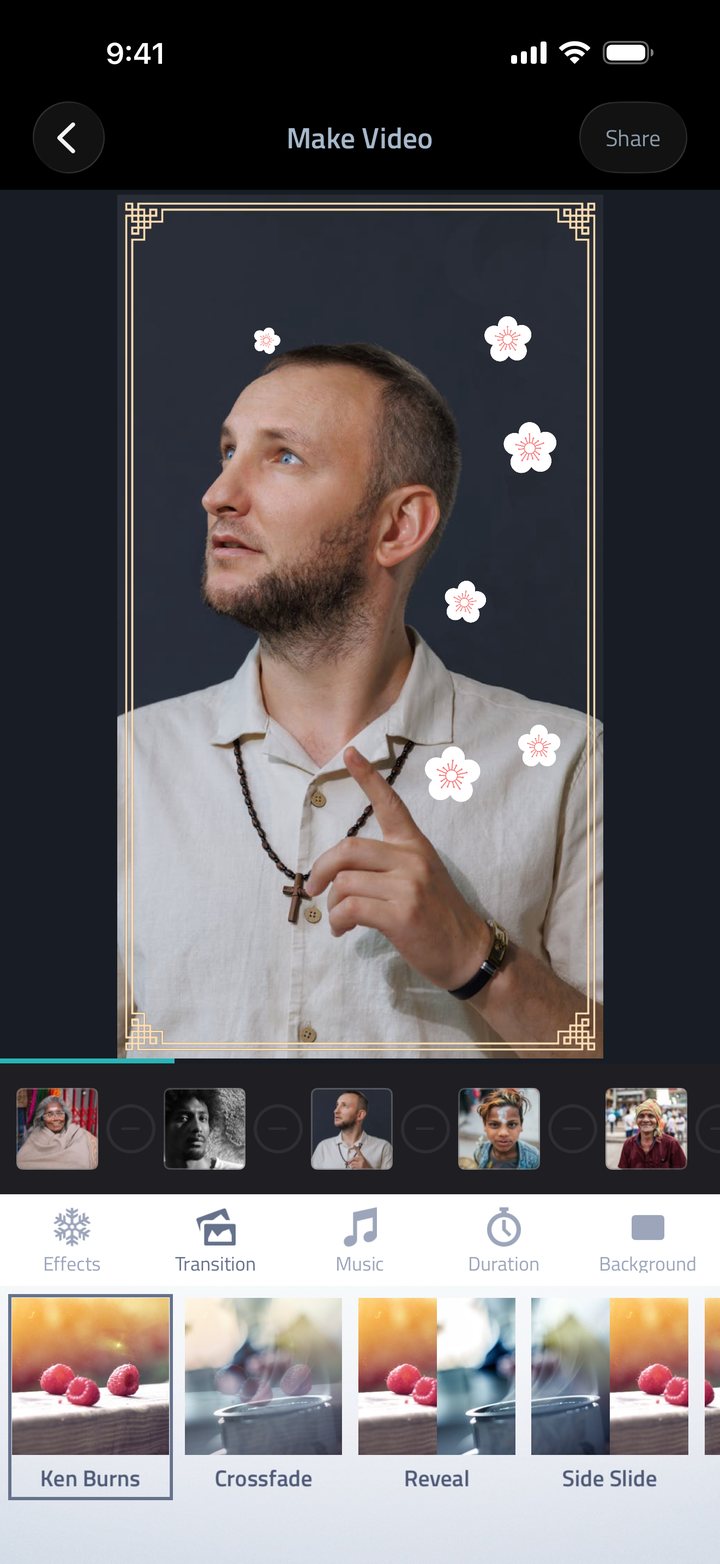
Transitions & effects
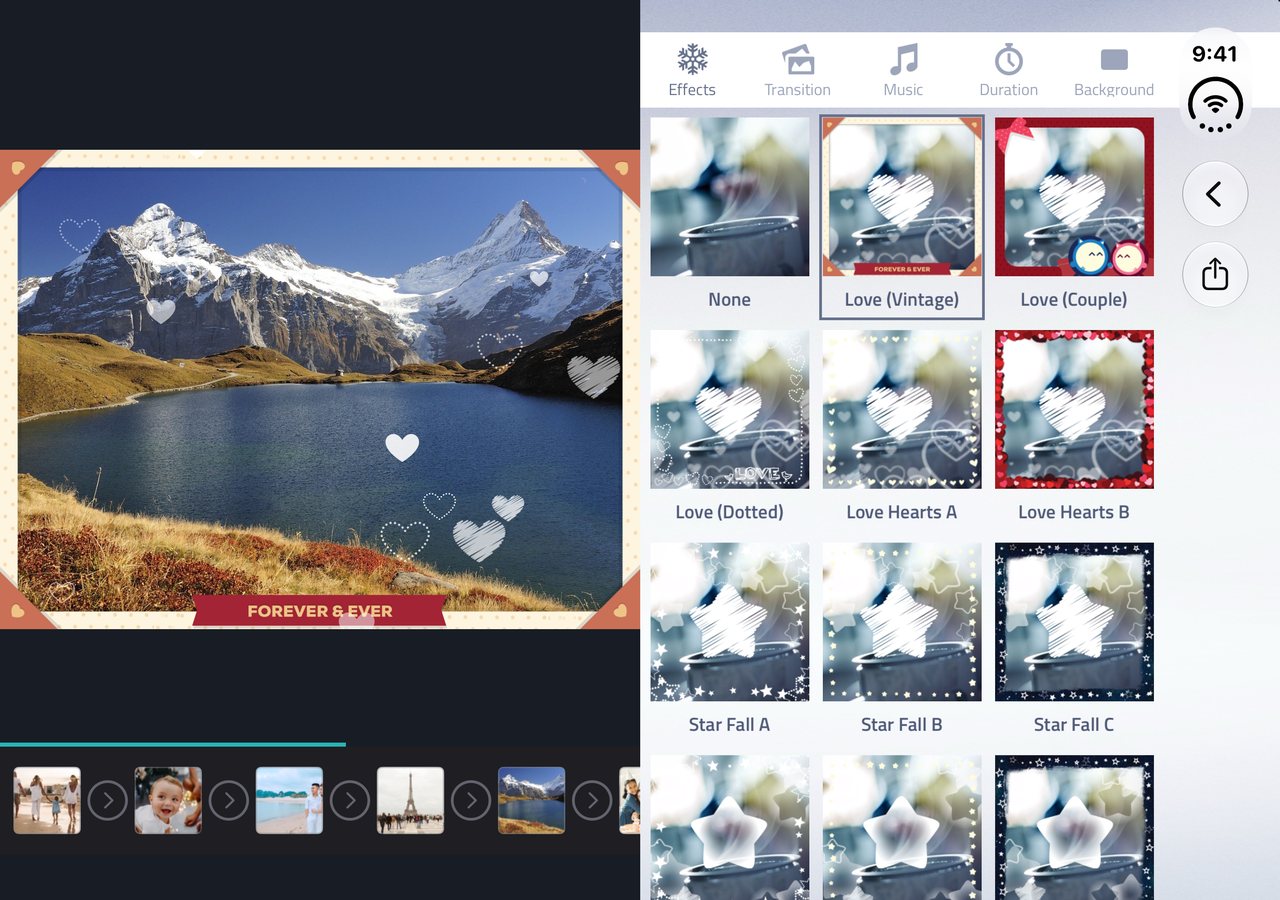
Crossfade, Ken Burns, Flip In, Zoom, Spin, Bounce, Cube and more, plus 24 overlay effects that drift hearts, stars or snow across the frame. Apply one transition throughout, or pick a different one between any two photos.
Included with Premium. The festive effects and songs are free for everyone.
New in 3.1.0
Unfold iPhone Duo and Fliptastic spreads out: your slideshow plays on one side while you pick effects, transitions and music on the other.
Built for where you post
Pick the shape your platform wants before you export: no cropping afterwards, no letterboxing, no re-editing.
9:16
Reels & TikTok
16:9
YouTube
8:10
1:1
Square
4:3
Landscape
3:4
Portrait
All six formats are available on the free tier.
Everything else
Crop, rotate and adjust brightness, contrast and saturation, with 13 filters, all free, no subscription needed.
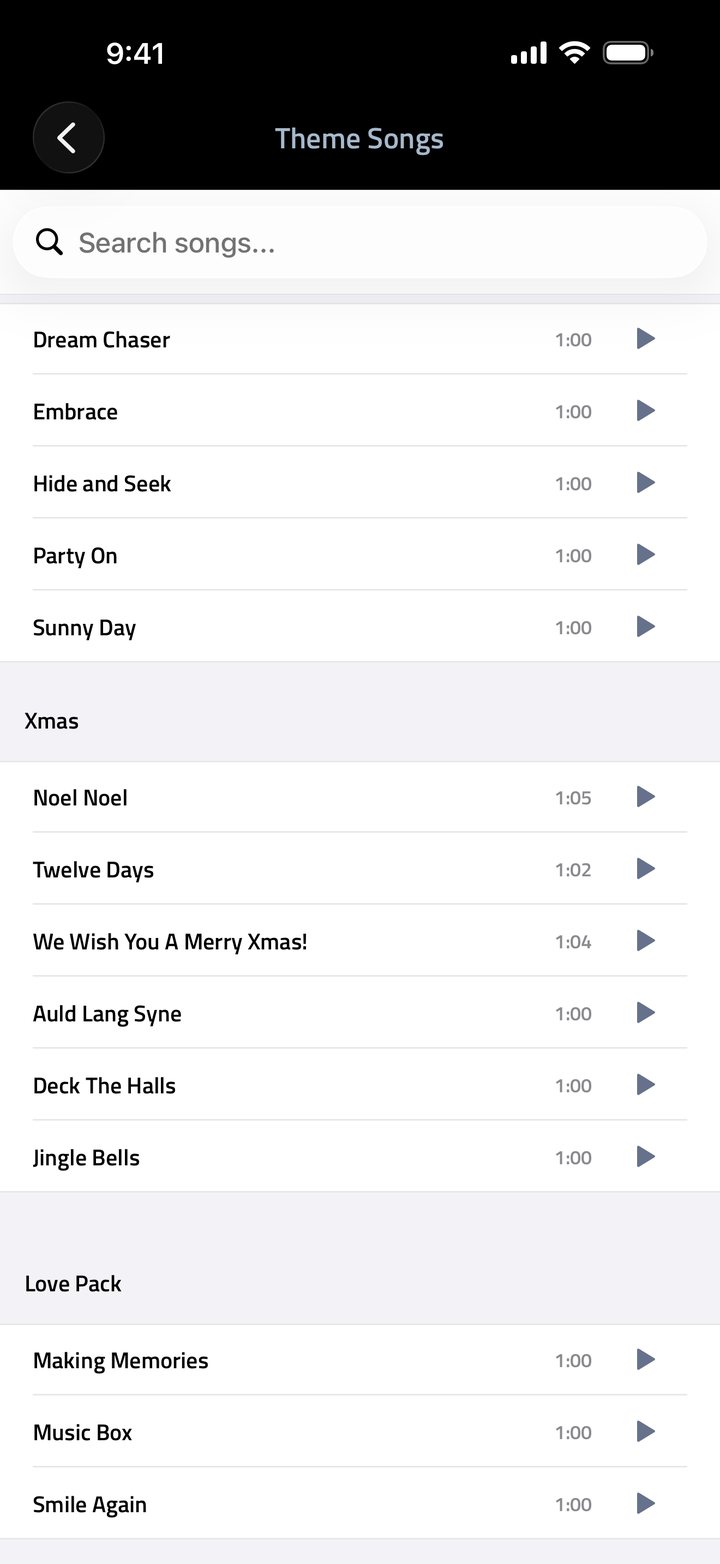
26 theme songs written to suit a slideshow, or bring any track from your music library or Files.
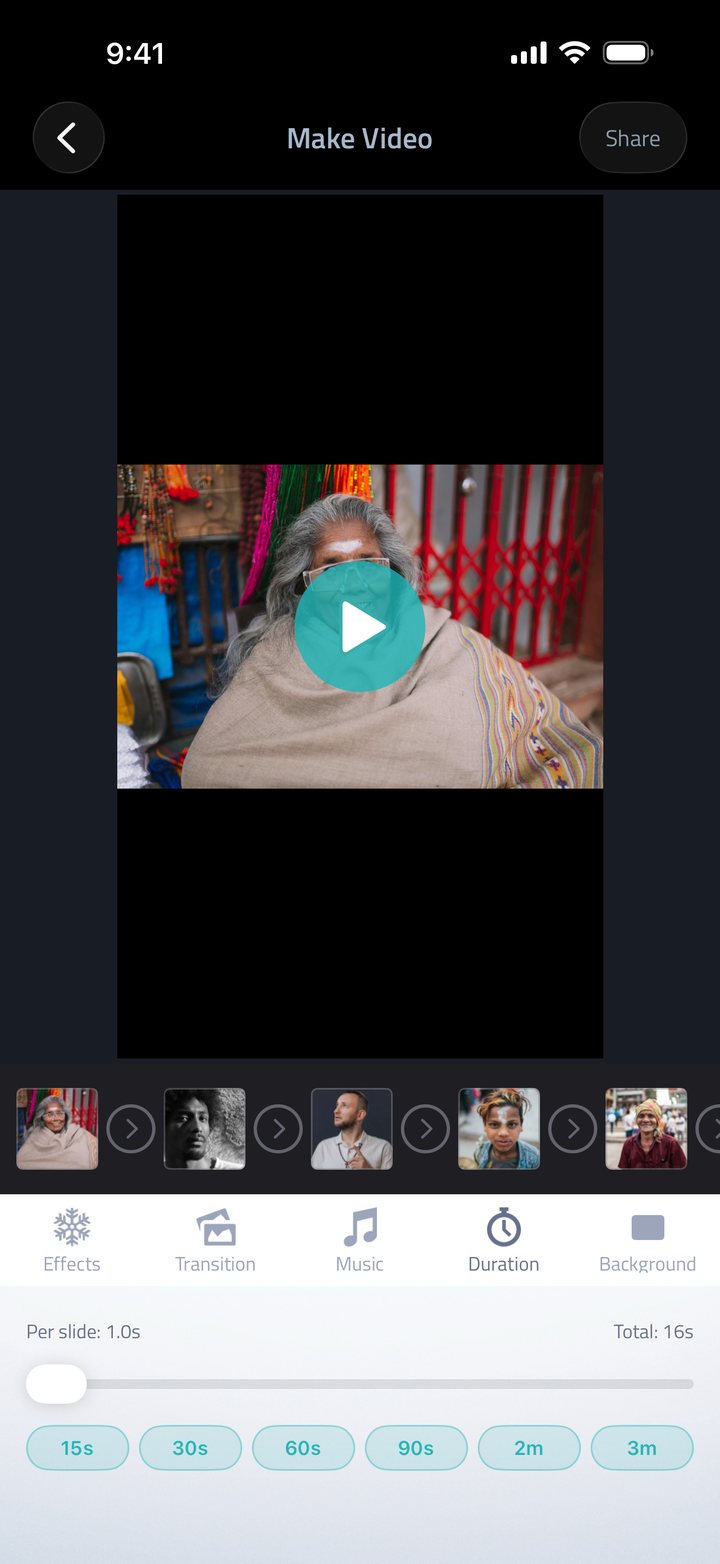
Set how long each photo holds, or pick a total length from 15 seconds to 3 minutes. Drag to reorder at any time.
Also included: text slides with decorative fonts, a Pexels stock photo library, unlimited saved projects, Fit / Fill / Blur Fill framing, undo and redo, and Live Activity progress on your lock screen while a video exports. See all features →
Pricing
The app is free to download and most of it is free to use, including AI Auto-Create, the full photo editor and every export format. Premium unlocks the whole content library and removes the watermark.
$0
Download and start making videos today.
$29.99 / year
Try it free for 7 days. After that, about $2.50 a month, roughly 50% less than paying monthly. Also available at $4.99 / month.
Premium is an auto-renewing subscription purchased inside the app and billed through your Apple ID. Manage or cancel it any time in your device Settings. The free trial is for Apple IDs that have not had one before; cancel at least 24 hours before it ends and you are not charged. Prices shown in USD; local pricing may differ.
Questions
More detail on subscriptions, exports and troubleshooting lives on the full FAQ.
Read the full FAQFliptastic is a slideshow maker for iPhone and iPad. You choose photos, and it turns them into a video with transitions, effects and music that you can post to Instagram Reels, TikTok, YouTube or share anywhere else. It requires iOS 15 or later and is free to download.
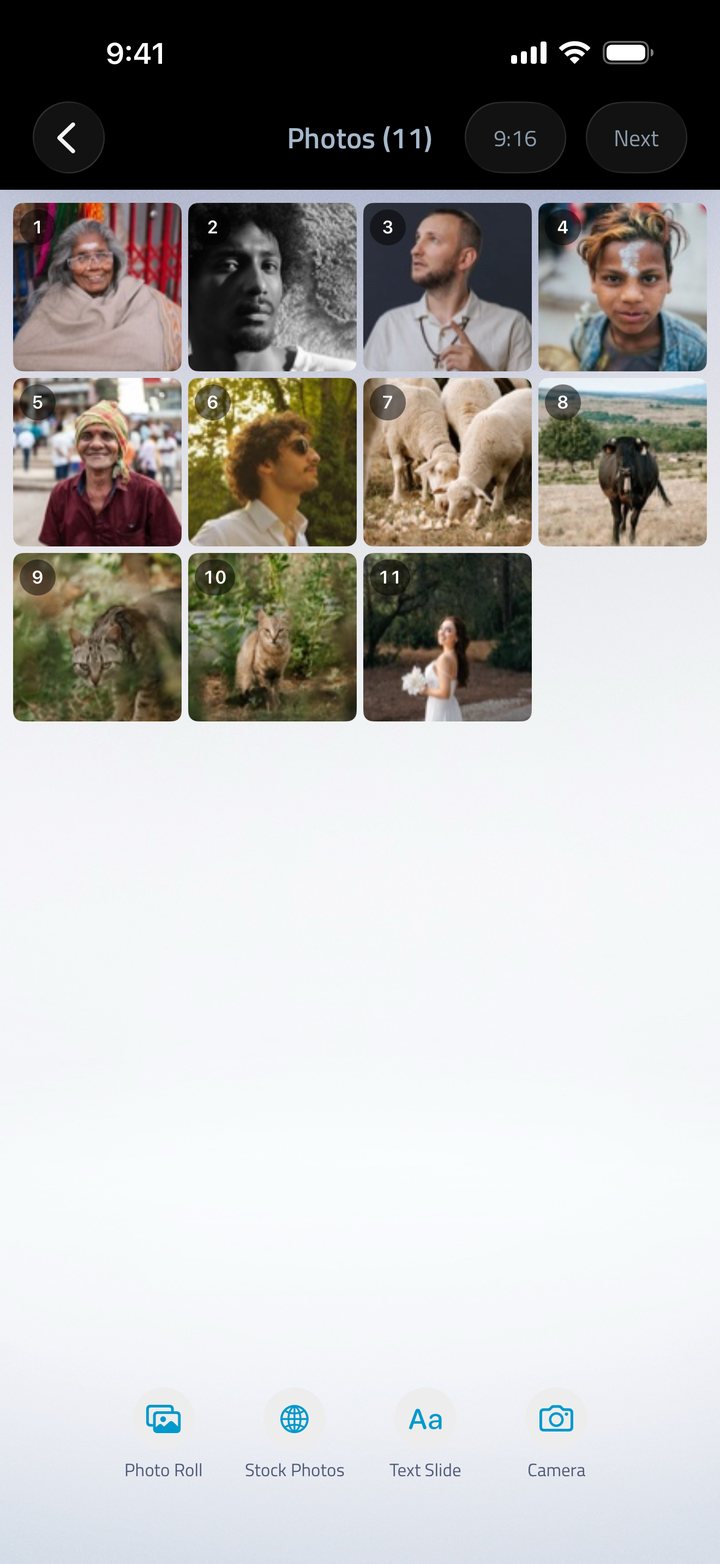
Tap Create Slideshow on the home screen, pick your photos from your camera roll, the built-in stock photo library or the camera, then tap Next. On the Make Video screen you can set transitions, effects, music and per-slide duration. When it looks right, tap Share to export it.
Up to 500 photos on devices with 4GB of memory or more, 300 on 3GB devices, 200 on 2GB devices and 100 on older hardware. The limit depends on your device memory, not on whether you subscribe: it is the same for free and Premium users.
Press and hold a photo in the Photos view, then drag it across the screen to move it to a new position in the sequence.
Yes. Fliptastic is a universal app built for both iPhone and iPad, with layouts adapted for the larger screen rather than a scaled-up iPhone interface. It needs iPadOS 15 or later.
Yes. Since version 3.1, Fliptastic is made for iPhone Duo. Unfolded, the home screen, Make Video and the photo editor spread out side by side on the big inner display. Half-folded like a mini laptop, your slideshow plays above the fold with the controls below. Folded shut, it works on the outer display like any iPhone.
Fliptastic just puts it together. Free to download for iPhone and iPad, no account required.