Features
Everything Fliptastic does
A slideshow maker deep enough to be useful and simple enough to finish something. Here is the whole toolkit, and what costs nothing.
AI Auto-Create
A slideshow before you have chosen a single photo
AI Auto-Create reads your recent camera roll and scores every image on faces, sharpness, brightness, composition and what is actually in the shot. It keeps the strongest, drops the duplicates and blurry ones, and arranges what is left into a finished slideshow.
- Scores your most recent photos and selects the best set
- Sequences and times them for you
- Runs on Apple’s Vision framework, entirely on your device
- Free for everyone, no subscription needed
Transitions & effects
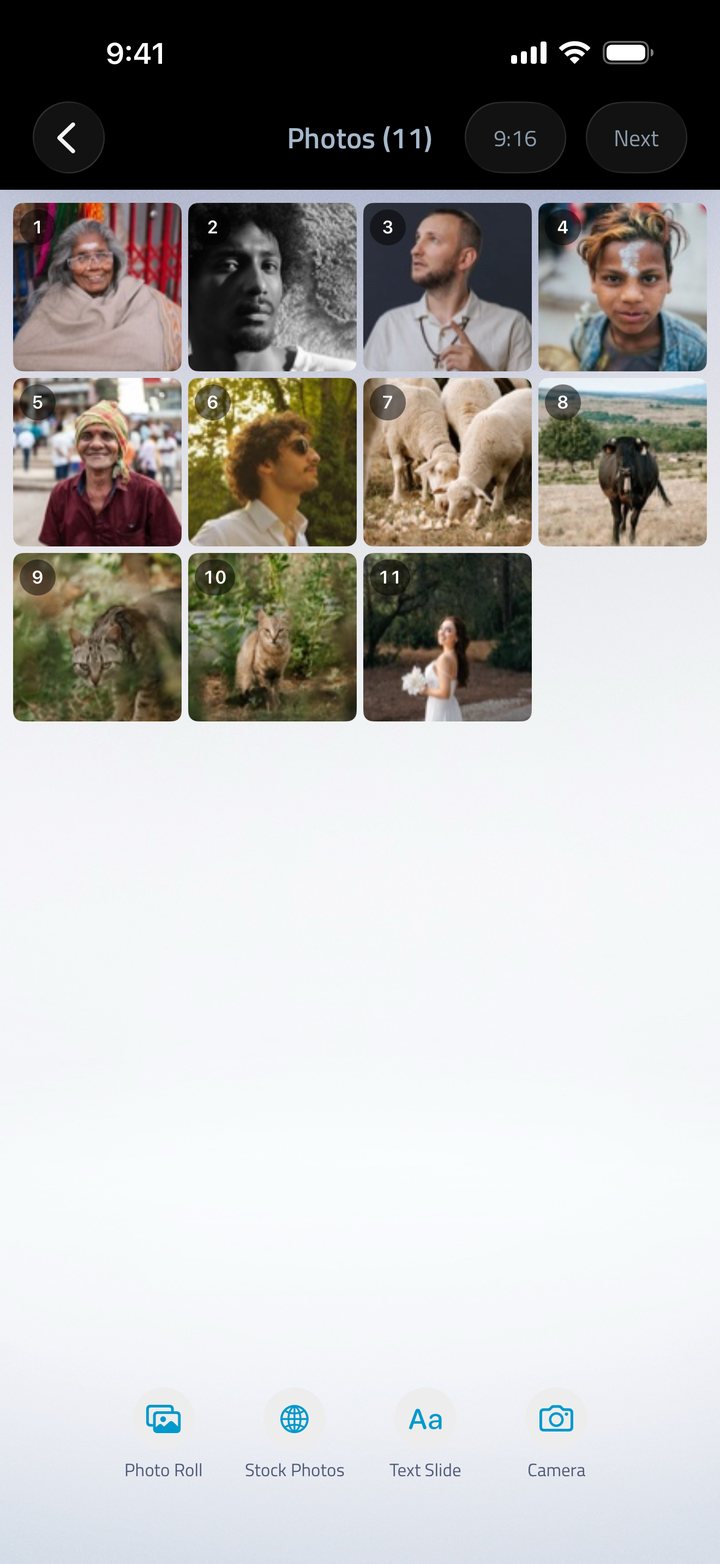
40 transitions and effects
Crossfade and Ken Burns are free for everyone. Premium adds Slide In, Side Slide, Reveal, Flip In, Swing In, Zoom, Spin, Cube, Bounce and the five Galaxy transitions, plus overlay effects that drift hearts, stars, blossoms or snow across the frame.
- 16 transitions and 24 overlay effects
- Set one style for the whole video, or a different one between any two photos
- Galaxy set: Particle Sweep, Light Saber, Time Warp, Portal and Radar Scan
- Ken Burns adds a slow camera pan to still photos
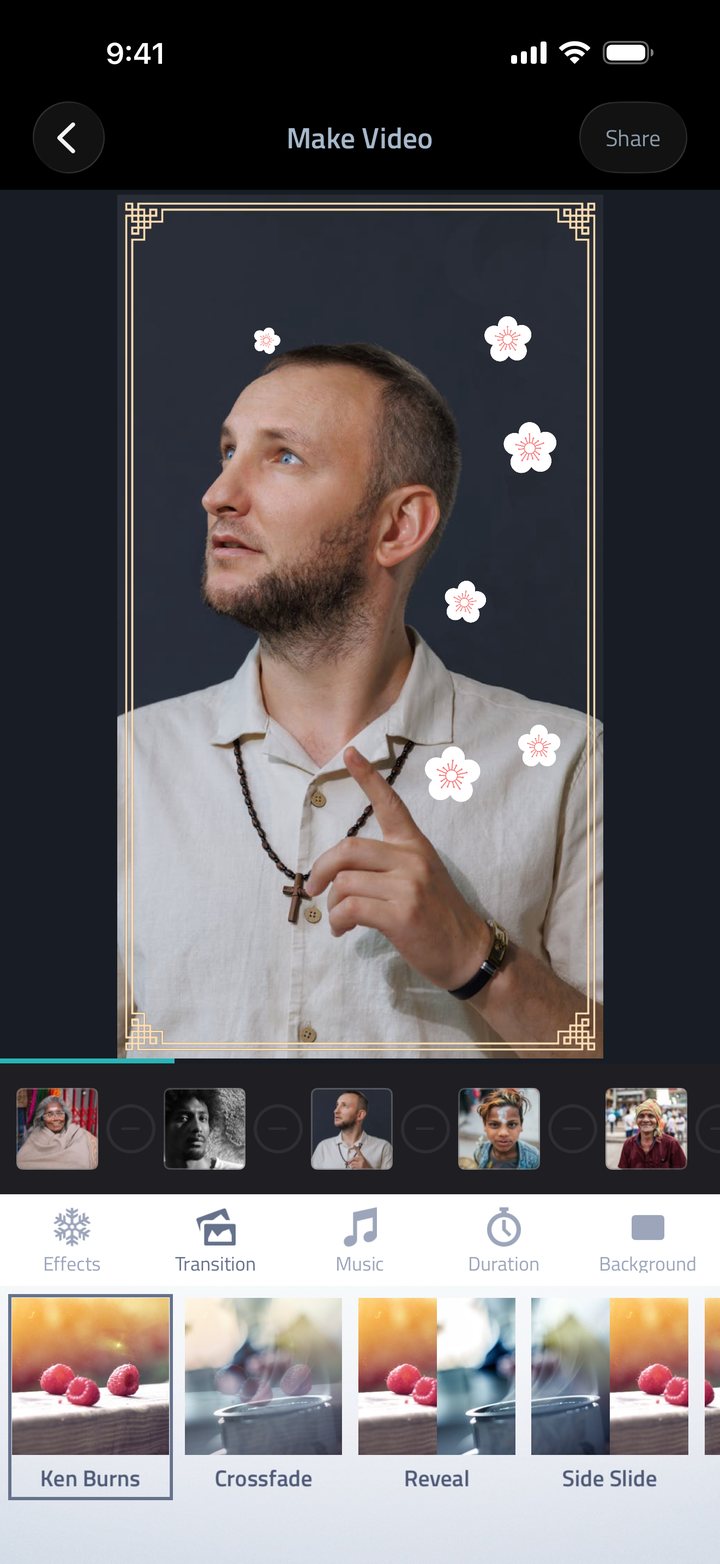
Photo editor
Fix the photo without leaving the app
Crop, rotate and straighten, then adjust brightness, contrast and saturation. 13 filters cover everything from subtle warmth to heavy film looks, all of them free, on every tier.
- All 13 filters included at no cost
- Crop, rotate and per-photo adjustments
- Fit, Fill and Blur Fill framing for mismatched photos
- Undo and redo throughout
Music
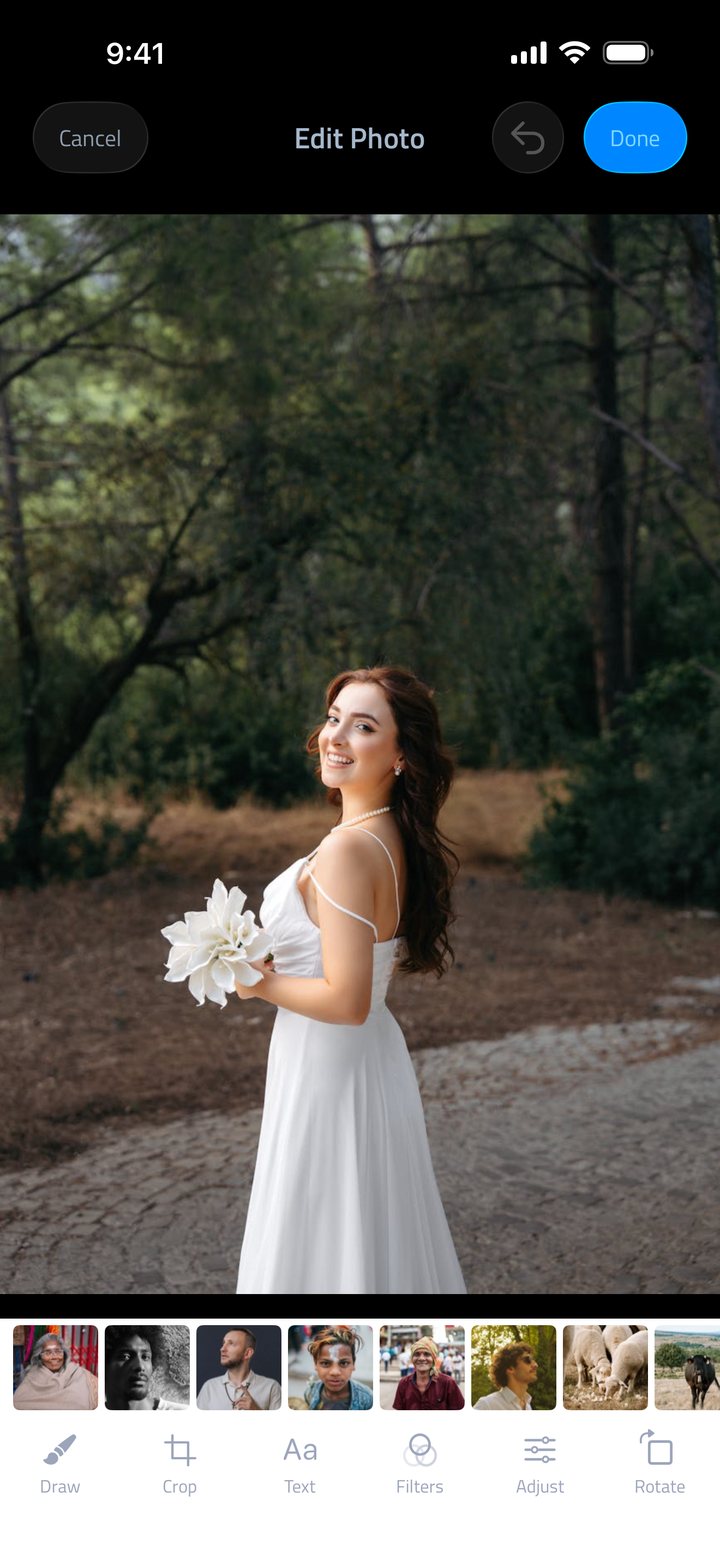
26 theme songs, or bring your own
Every theme song was picked to sit under a slideshow rather than fight it, grouped into collections so you can find the right mood quickly. Prefer your own track? Pull anything from your device music library or an audio file from Files, and it stays with your project.
- 26 built-in theme songs, 17 free
- Use any song from your music library or an audio file from Files
- Audio waveform preview before you commit
- Music is trimmed to your video length automatically
Pacing & text
Control the rhythm, add the words
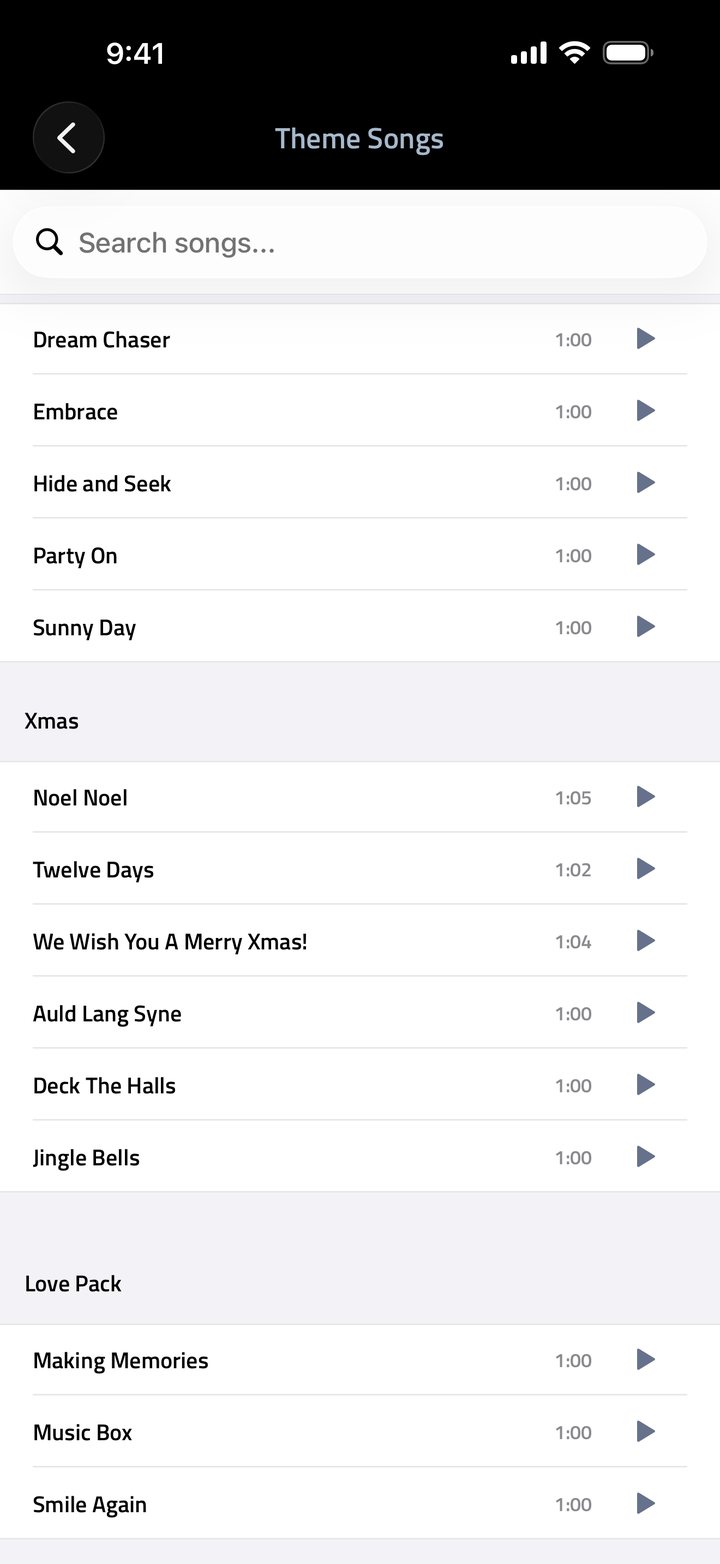
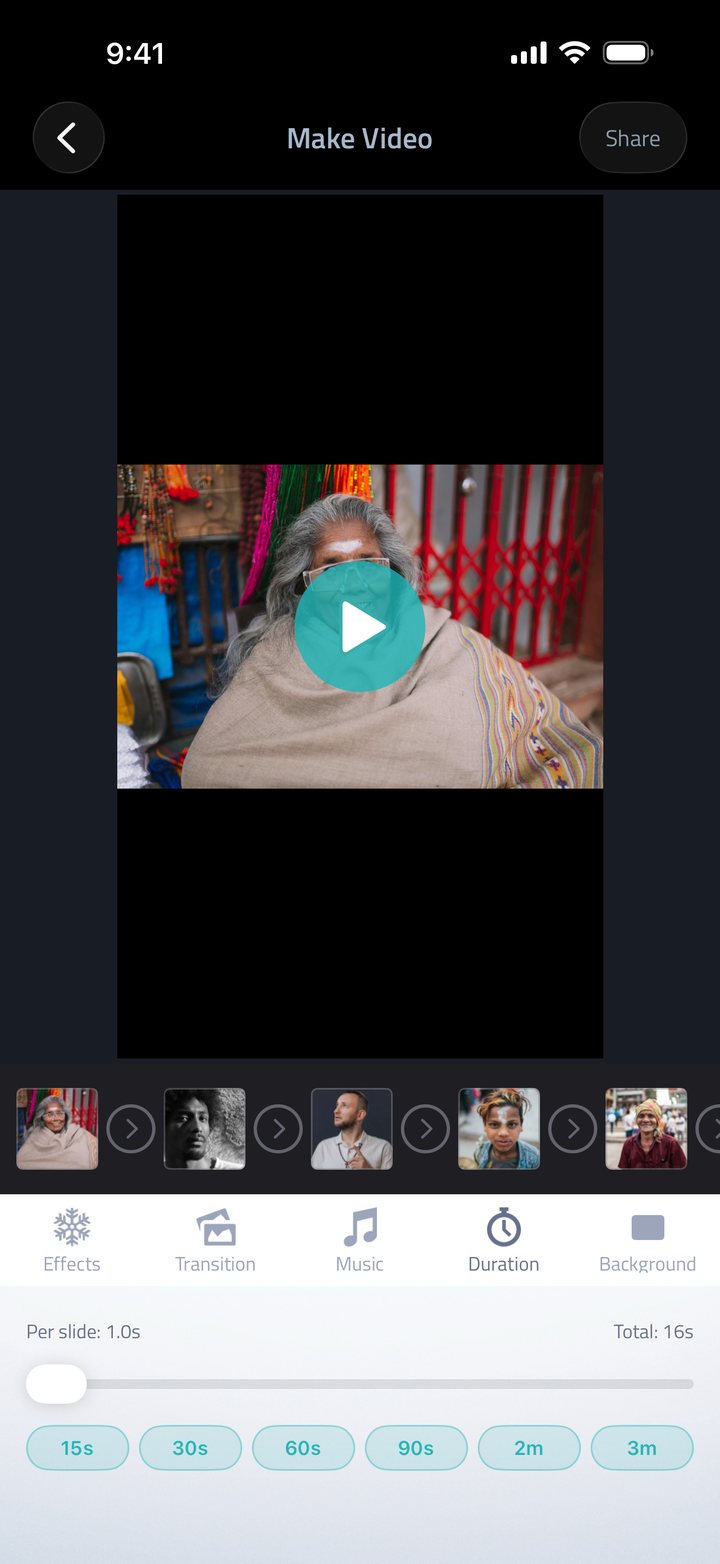
Set a duration for every slide at once or tune them individually. Add text slides with decorative fonts for an intro, a title card or a sign-off, with full control over colour and background.
- Seconds per slide, or a total length from 15 seconds to 3 minutes
- Text slides with decorative fonts and a colour picker
- Drag and drop to reorder at any point
- Fast export, up to twice as fast since version 3.3
- Live Activity progress on your lock screen while exporting
Effect collections
Themed effects for the occasion
Bundled into Premium. The festive effects and songs are free for everyone, all year round.
-
Love
5 effects
Hearts, romantic frames and soft-focus overlays.
-
Starry
6 effects
Falling stars, twinkles and night-sky borders.
-
Lunar
9 effects
Festive effects for celebrations and new year.
-
Galaxy
5 transitions
Five premium cinematic transitions.
The details
Specifications
- Platform
- iPhone, iPhone Duo and iPad, universal app
- iPhone Duo
- Side-by-side layouts unfolded, split at the fold when half-folded (details)
- Requires
- iOS 15.0 or later
- Live Activities
- iOS 16.2 or later
- Photos per slideshow
- Up to 500, depending on device memory
- Export formats
- 9:16 · 16:9 · 8:10 · 1:1 · 4:3 · 3:4
- Transitions
- 16, including 5 Galaxy
- Overlay effects
- 24 across four collections
- Theme songs
- 26, plus your own music library or Files
- Filters
- 13, all free
- Stock photos
- Built-in Pexels library
- Price
- Free to download, with an optional Premium subscription
- Age rating
- 4+
Start with the photos you already have
Free on the App Store. No account, no sign-up.
Download Fliptastic